This feature allows you to handle cargo at the package level (as opposed to a bulk shipment of items), and individually describe the package and its contents for international shipping/customs purposes.
Setup
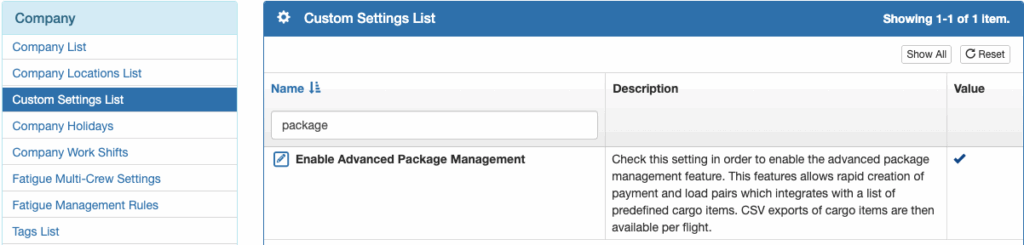
To enable package management, enable Advanced Package Management in Company Custom Settings.
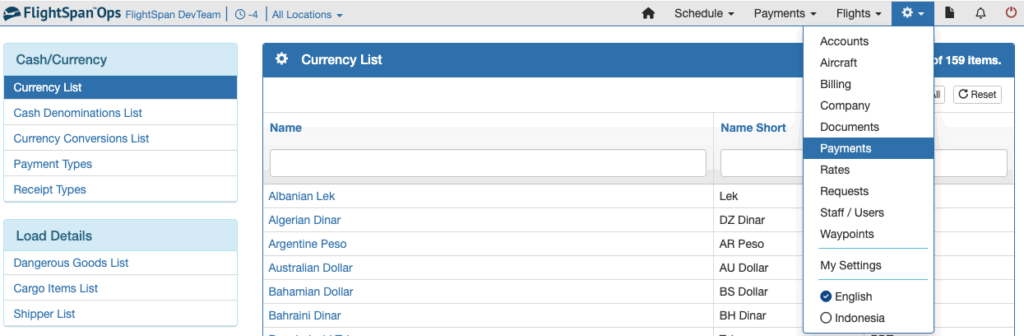
Next select Payments from the Settings menu.
Dangerous Goods
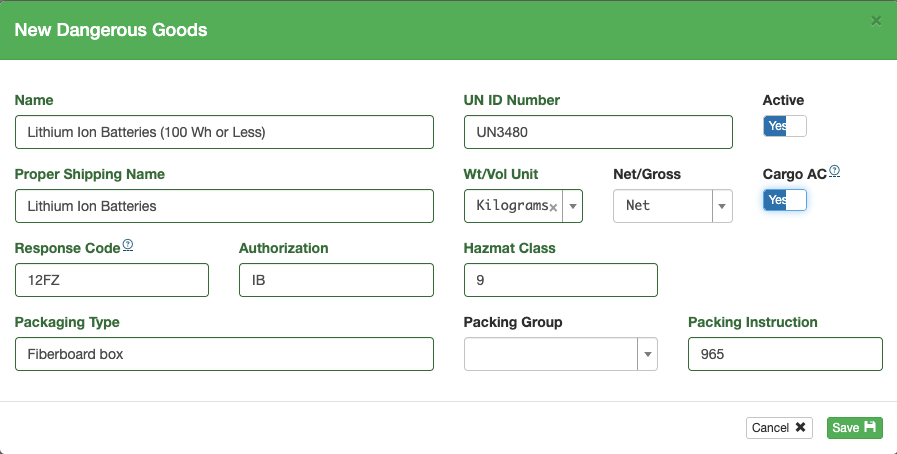
Select Dangerous Goods List from the Load Details menu on the left, and click the green New button.
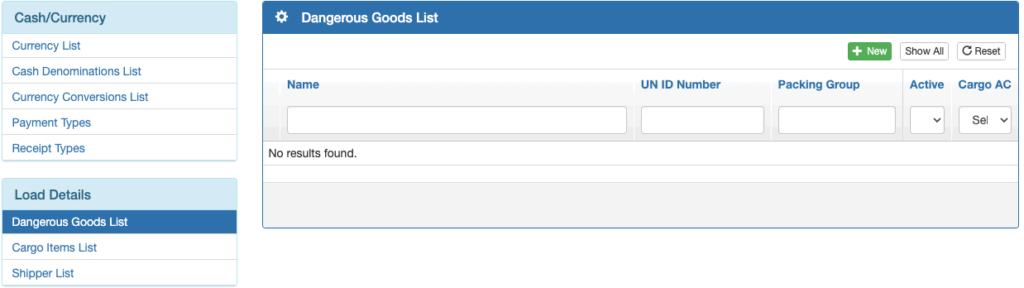
Enter all of the relevant details and Save.
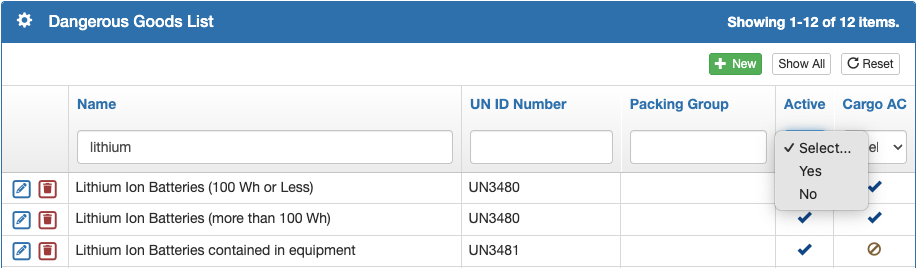
Search and filter the list from the boxes at the top, and sort by clicking on the blue column headers.
Edit an item with the blue pencil icon, and delete with the red trash can icon.
Cargo Items
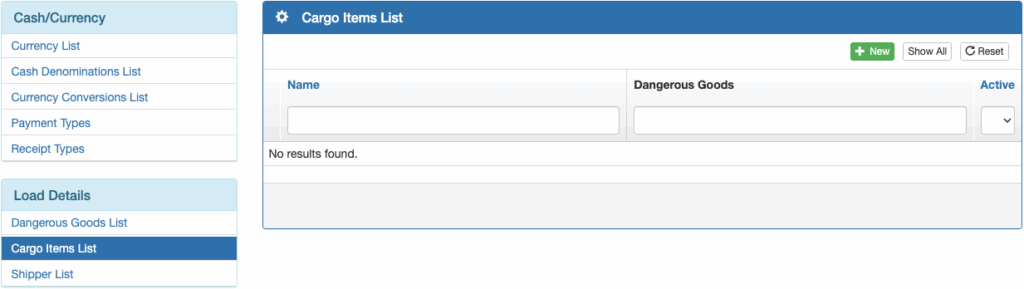
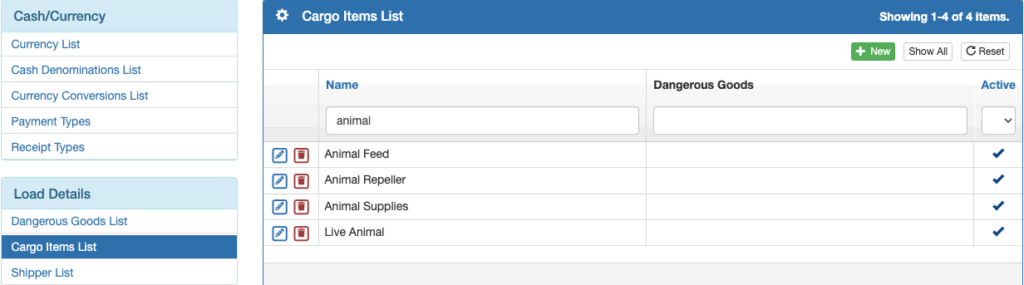
Next select Cargo Items List from the Load Details menu on the left, and click the green New button.
Enter commonly carried cargo items. If they are considered Dangerous Goods, select from the Dangerous Goods list, then Save.
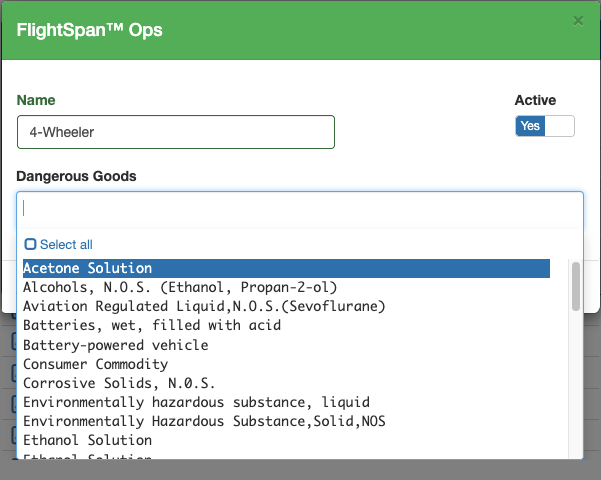
Search, sort, edit and delete as with other lists.
Shippers
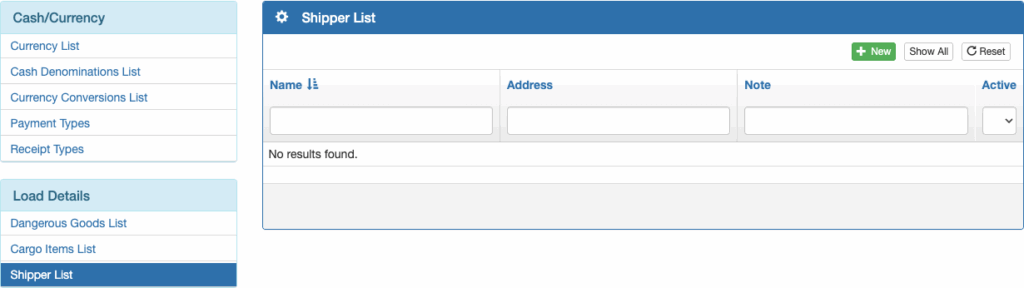
Next select Shipper List from the Load Details menu and click the green New button.
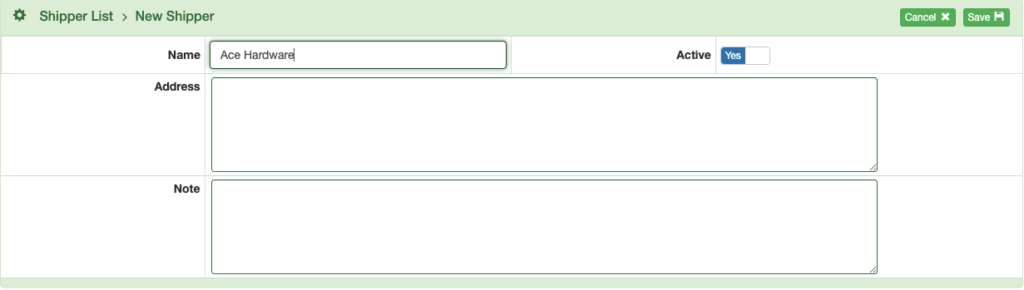
Enter the shipper name and any other desired details, then Save.
Destination Information
For each destination waypoint that accepts packages, complete the required information in the Waypoint Detail.

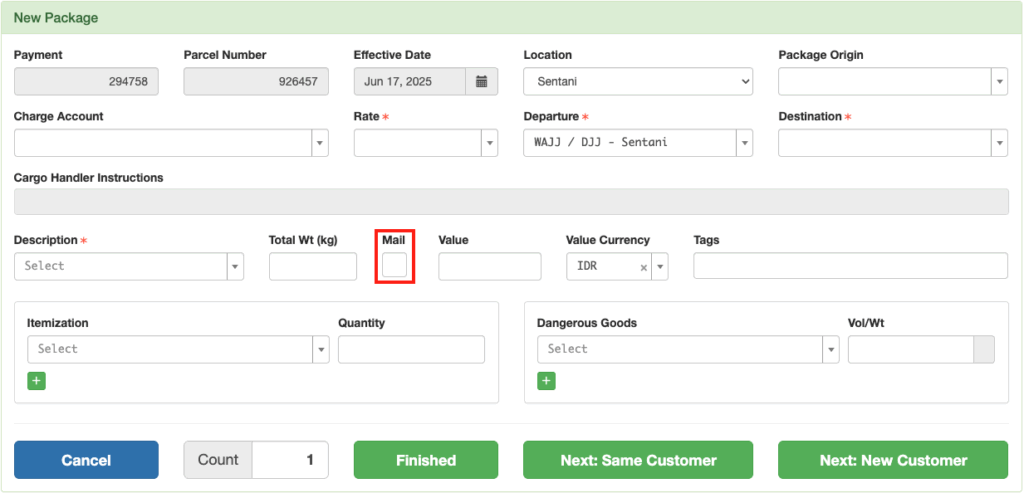
Enabling “Accepts Mail” makes it possible to check the “Mail” box when creating a package for that destination, meaning that the package will be handled as mail by the customs authorities at this destination.
Organization Information
Add Organization information and organization accounts as described in the Financial Management documentation.
At the organization level, you can set the default destination, tags, and unit number for all accounts within the organization.

Account Information
Each account that packages may be billed to should be linked to its parent organization.

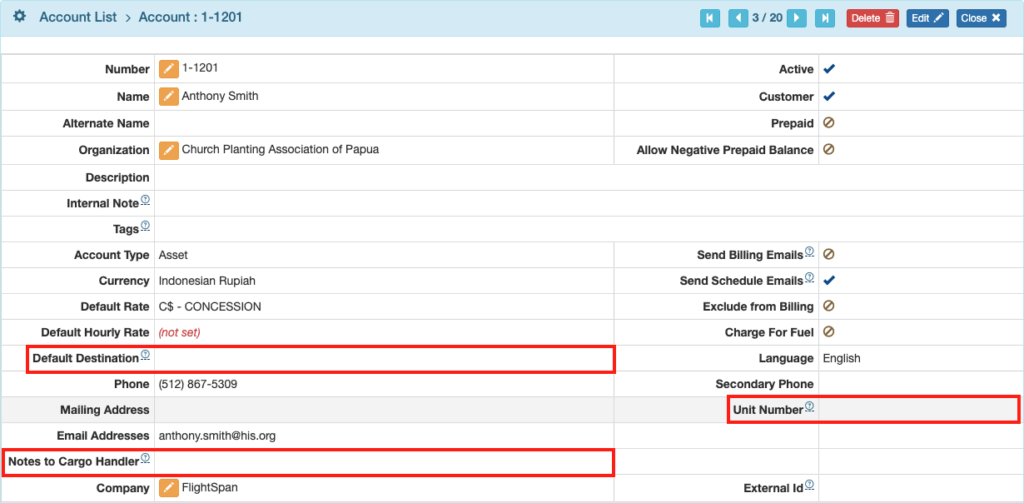
Add the following information to the Account Detail as needed:
- Default Destination – overrides the Organization default destination
- Notes to Cargo Handler – internal account note that provides information to the person processing the packages
- Unit Number – can be used for an additional tracking number tied to this account, or for any other purpose
Rates
Data Substitutions and Price Line Items can be created and conditionally applied by switching on For Package Itemization and selecting the appropriate package itemization names, then linking the Data Substitution or Price Line Item to the appropriate Rates.

User Roles
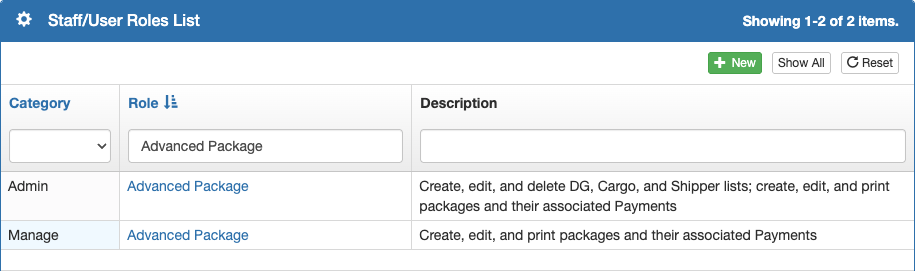
There are two Standard Roles that can be assigned to staff members responsible for package management.
- Admin – Advanced Package for those who are responsible for all aspects of package management, including adding shipper lists, item descriptions, and Dangerous Goods information
- Manage – Advanced Package for those who are responsible for day to day package management only