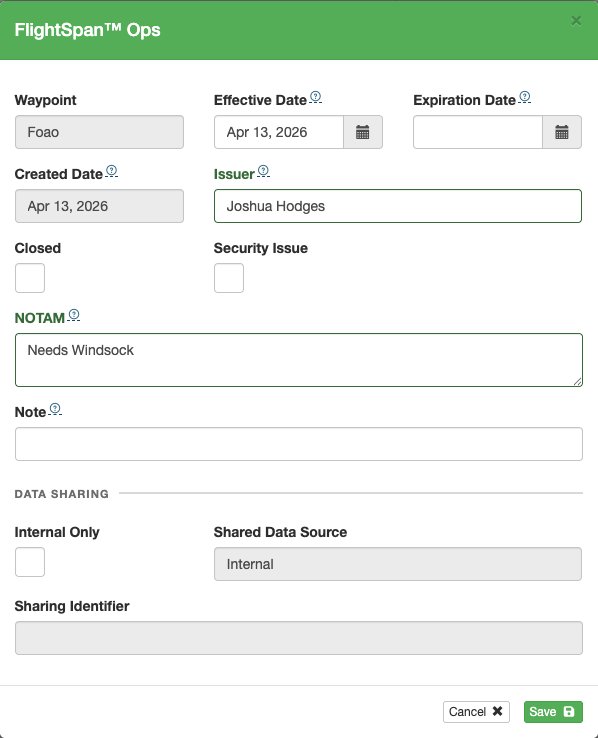
When creating a NOTAM from within FlightSpan™ Ops, several boxes can be checked. These same fields are also available from the EFB.
- Closed – can be used to trigger an advanced rule
- Security Issue – can be used to trigger an advanced rule
- Internal Only – the NOTAM will not be shared externally
The pilot’s name may be included in the internal NOTAM record, but when the record is shared the Issuer field will be changed to the name of your instance of FlightSpan.
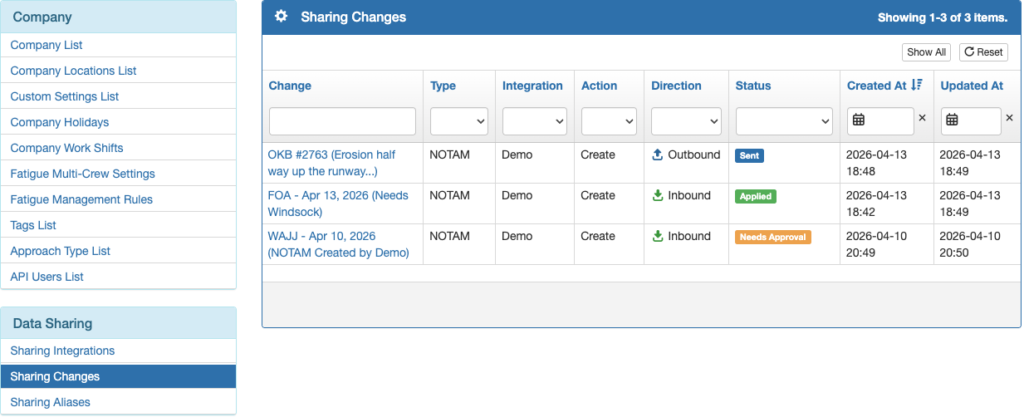
Both outbound and inbound NOTAMs will be recorded under the Sharing Changes list in accordance with the Data Sharing Policies you created.
If either an inbound or an outbound NOTAM needs approval, click on the link in the Change column.
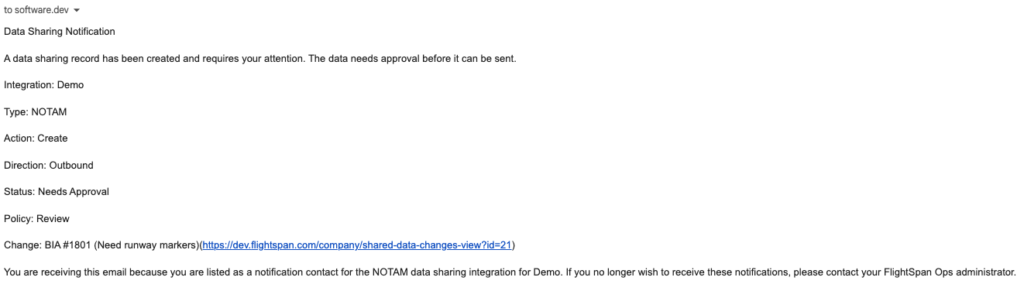
Notification emails will also be sent in accordance with your Data Sharing Policies. Clicking on the link in the email will also open the NOTAM for review.
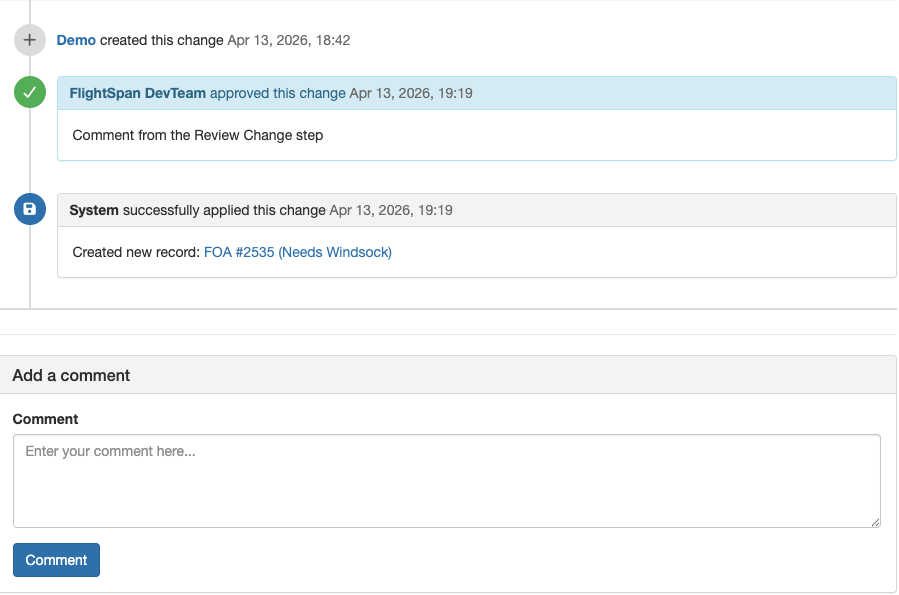
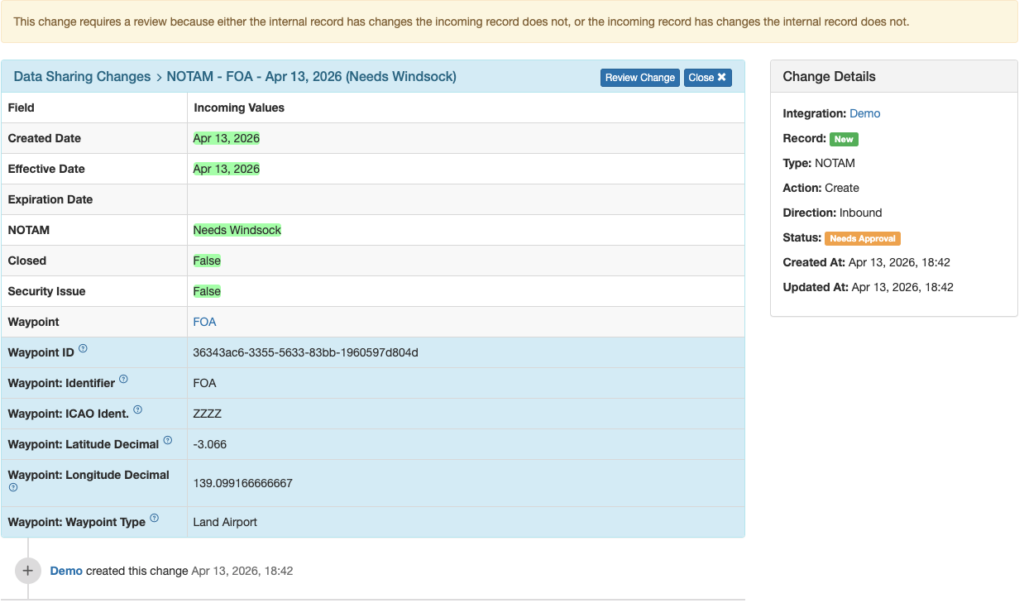
The NOTAM Change Record will open, with a detailed record of the NOTAM’s origin and status.
Click on the Review Change button at the top.
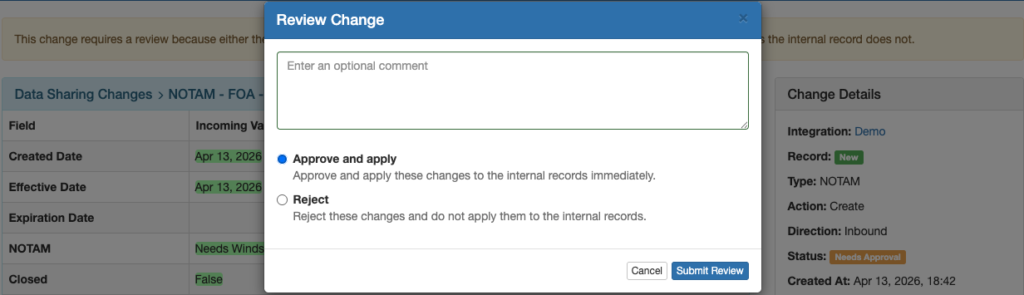
Enter a comment if desired, select whether to approve and apply or reject the change, then click Submit Review.
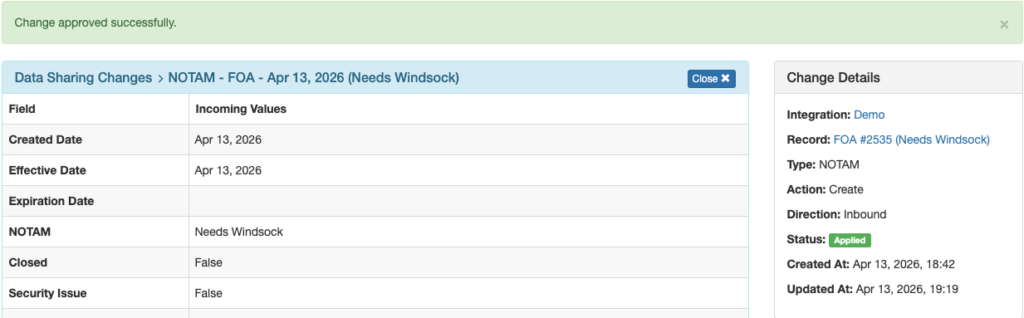
The Change Record will be updated.
The Change Record includes links to:
- The Integration from which the NOTAM came or to which it is being sent
- The NOTAM record itself once it has been approved and integrated
- The waypoint associated with the NOTAM
Below the record is a change history with space for an additional comment.