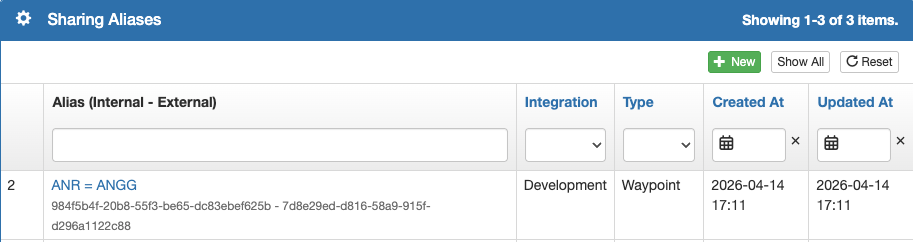
When comparing waypoints between two systems, FlightSpan will identify a match when:
- There is no other Airport within 1 nautical mile of an Airport Waypoint
- There is no other LZ within .05 nautical miles of an LZ Waypoint
- There is another Airport or LZ, but there is an exact match of
- Waypoint Identifier
- ICAO Identifier, or
- System-assigned UUID
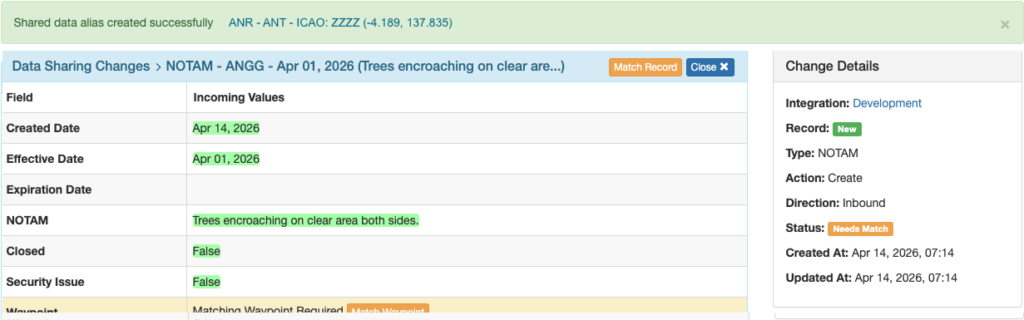
If FlightSpan cannot identify a match for an incoming NOTAM, a manual match will be required.
A notification email will be sent and the record status will be flagged Needs Match.
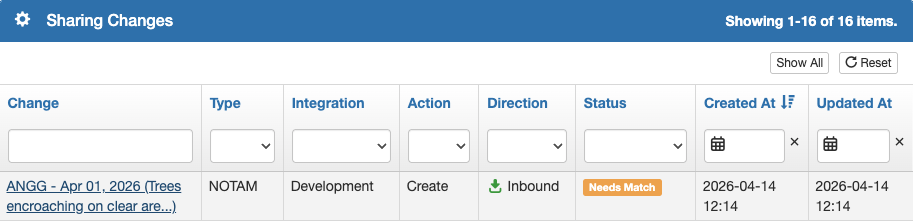
Open the record, then click on either the Match Record or the Match Waypoint button.
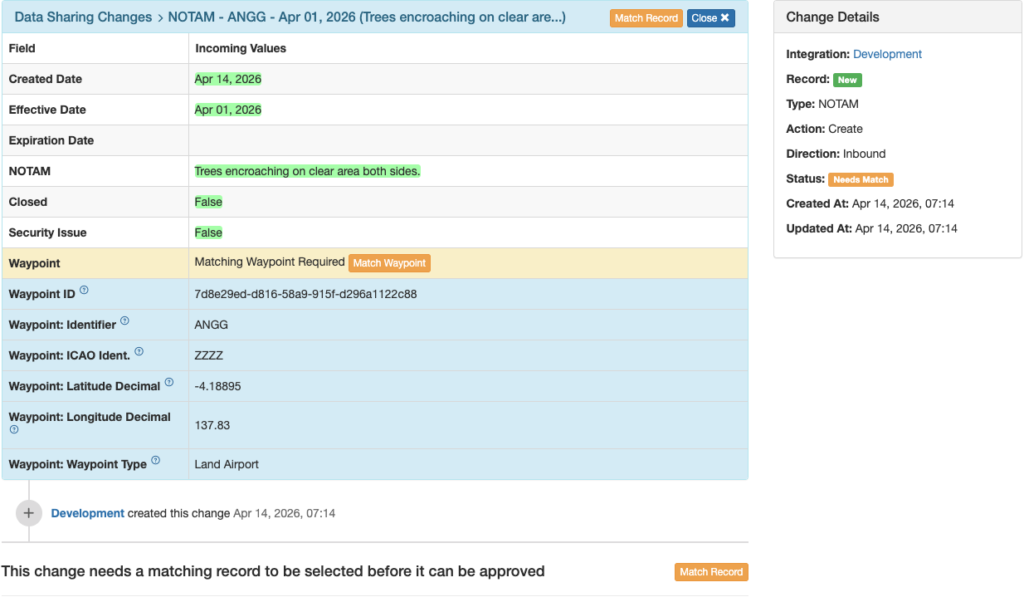
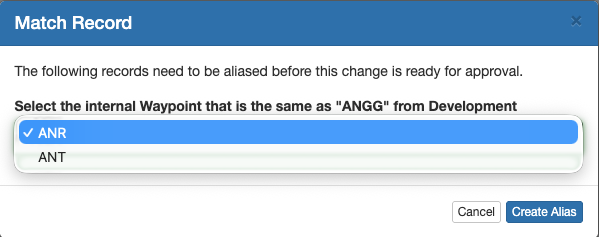
Both buttons will open the same interface and offer a choice between the waypoints that are within the specified radius.
Select the correct waypoint and click Create Alias.
A green confirmation banner will appear at the top.
Refresh the page and review the NOTAM as previously described.
Manual Alias Creation
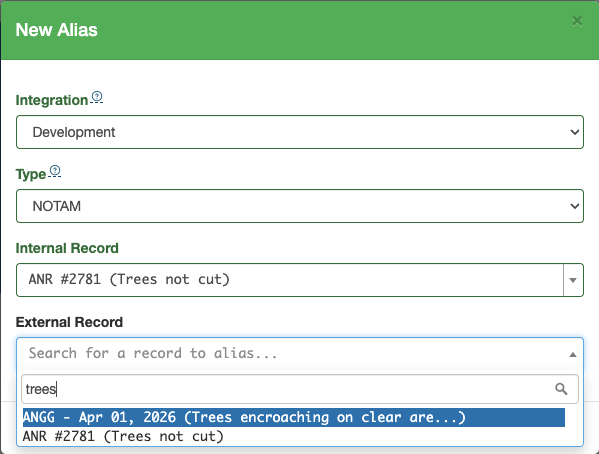
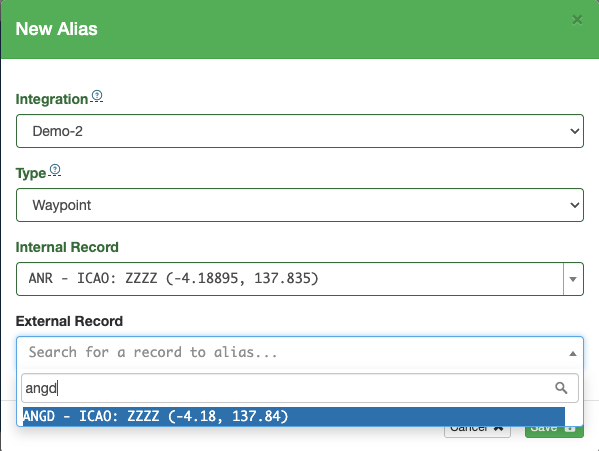
An alias can also be created manually. From the Shared Alias menu, select the green plus button.

Select the integration, then the data type. If you select NOTAM, search for the internal NOTAM and the matching external NOTAM, then save.
If you select Waypoint, search for the waypoint identifier in each instance, then save.
The alias will be added to the list.