FlightSpan’s REST API can be used to securely share information with other software solutions. FlightSpan’s API allows you to either pull information from FlightSpan for use in another program, or to import information into FlightSpan from another program.
API Users
In FlightSpan, API Users are used to represent the pre-defined datasets that can be exported from or imported to FlightSpan. Contact FlightSpan support for help designing the datasets that you need.
After the custom dataset has been created for you by the FlightSpan Support Team, from the Settings menu, select Company, then API Users List from the Company menu on the left.
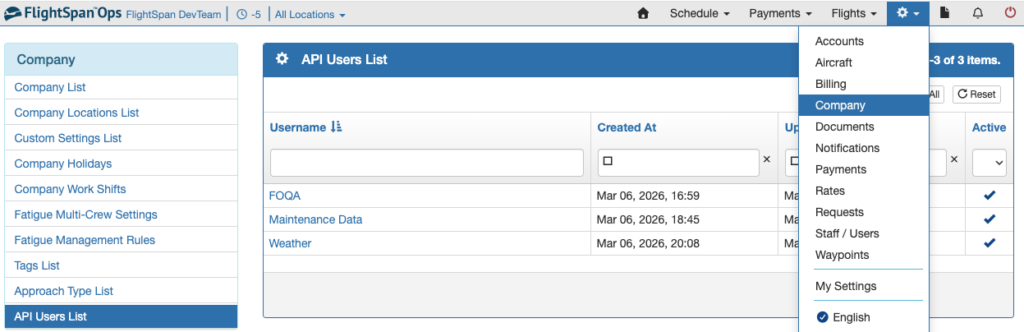
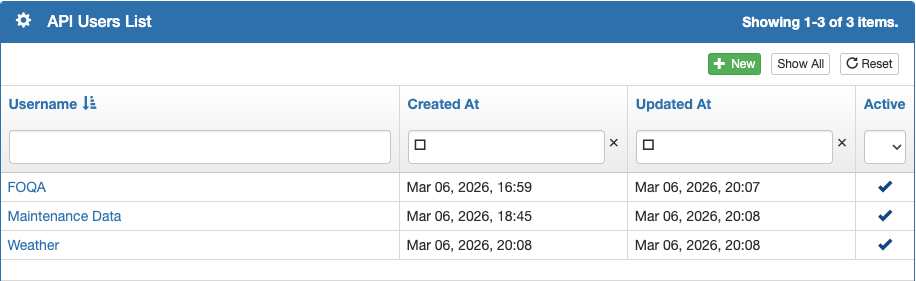
Create a new API User by clicking the green button.
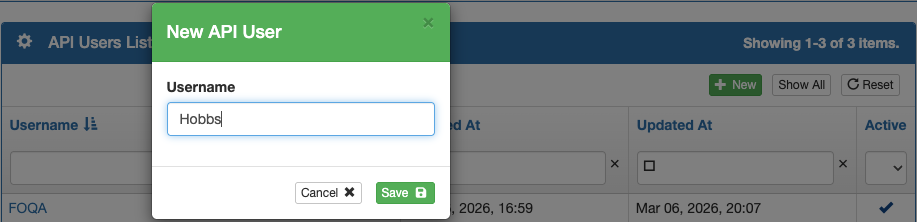
Create the new Username that was assigned to this dataset by FlightSpan Support, and save. (Spaces are allowed in the username.)
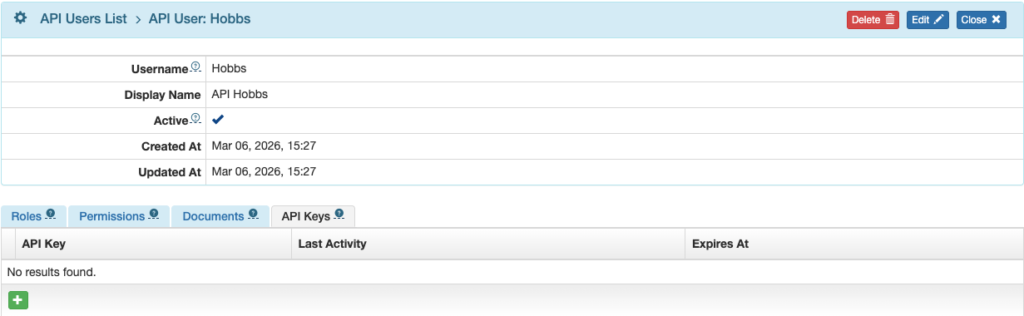
Next click on the Username to open the User detail.
From the API Keys tab, click the green plus button.
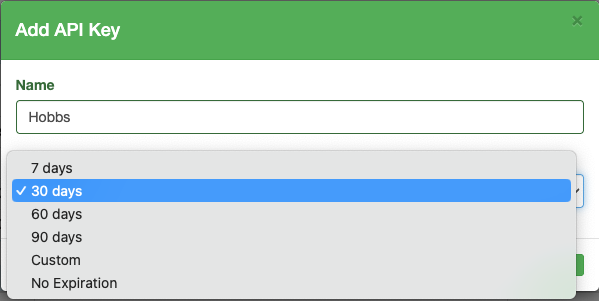
Name the Key, select the expiration period, and Save.
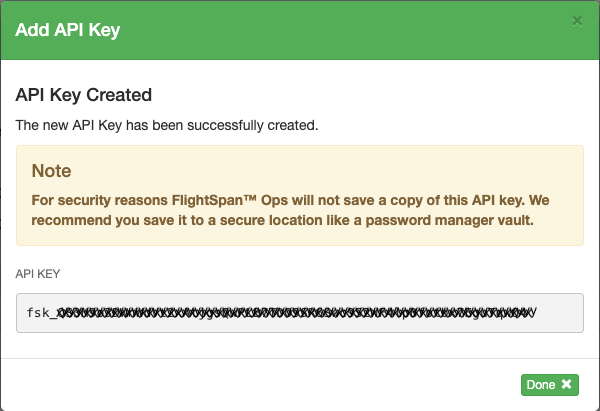
FlightSpan will generate an API Key. Be sure to copy the key and save it in a secure location such as a password vault. FlightSpan will not keep a copy of the key.
This API Key will be needed in the external software that will be using the API to connect to FlightSpan.