
FlightSpan 10.17.0 includes two new features, and a number of enhancements, and bug fixes.
New Features
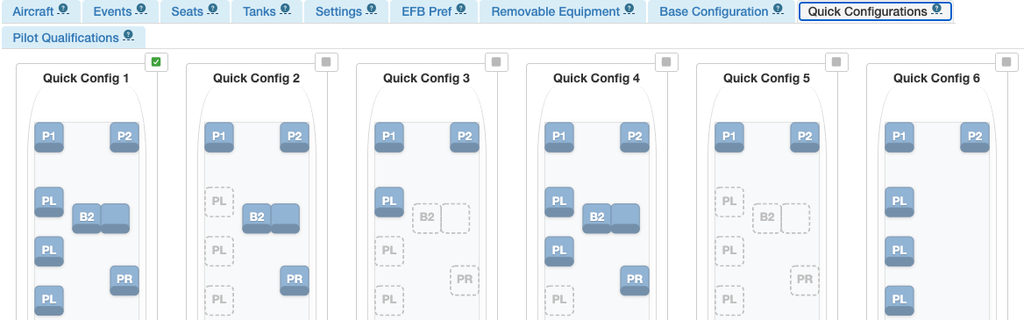
- Seat configurations (including stowed seats) for both FlightSpan Ops and for the EFB are now completely under your control. You can create your own Quick Configurations for use in FlightSpan Ops and on the EFB, and any seat configuration set for a manifest or a flight leg is now passed down to the EFB. See the documentation for details.
FlightSpan Support has created a migration to prepare all your aircraft for the move. All that should be required is for you to change the new Aircraft Type EFB Preference “Use New Seat Configuration Features” to Yes.
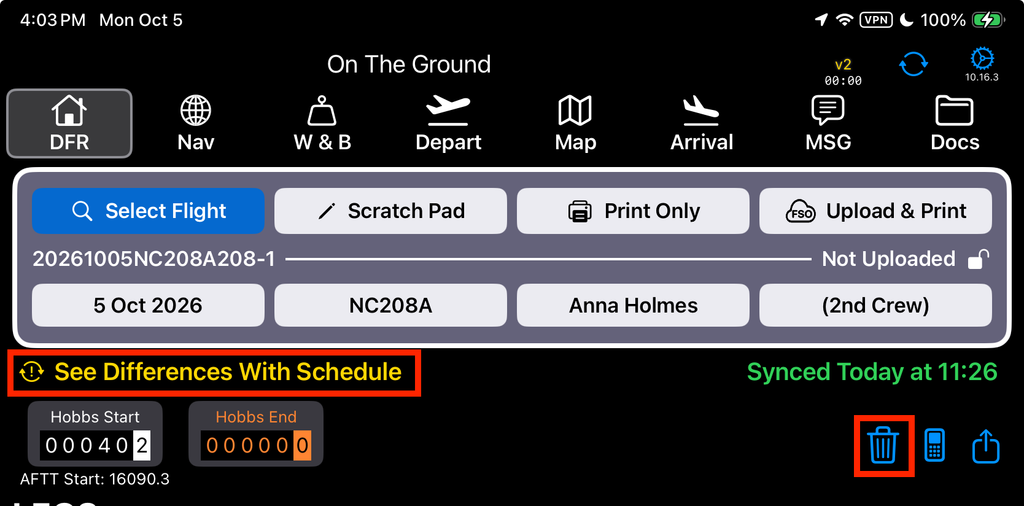
After you sync, when you open a New flight or create a new flight, the new features will be automatically applied. However if a flight is already open, the new features will not be applied unless you first delete and then refresh the flight.
Enhancements
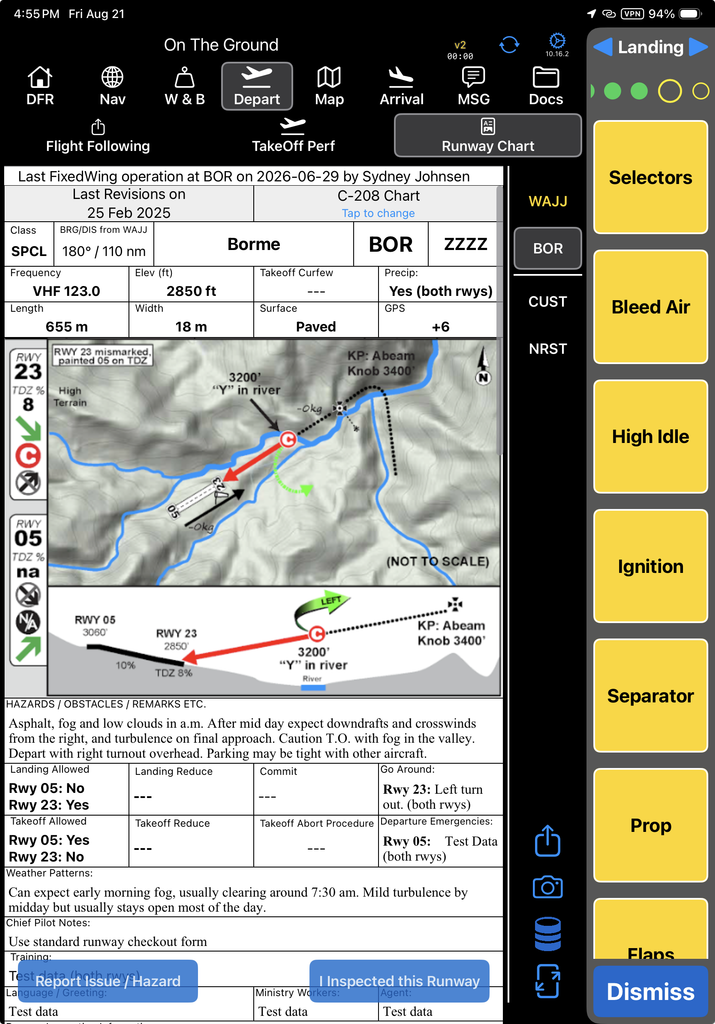
- Takeoff and Landing Checklists are now available. See the documentation for details.
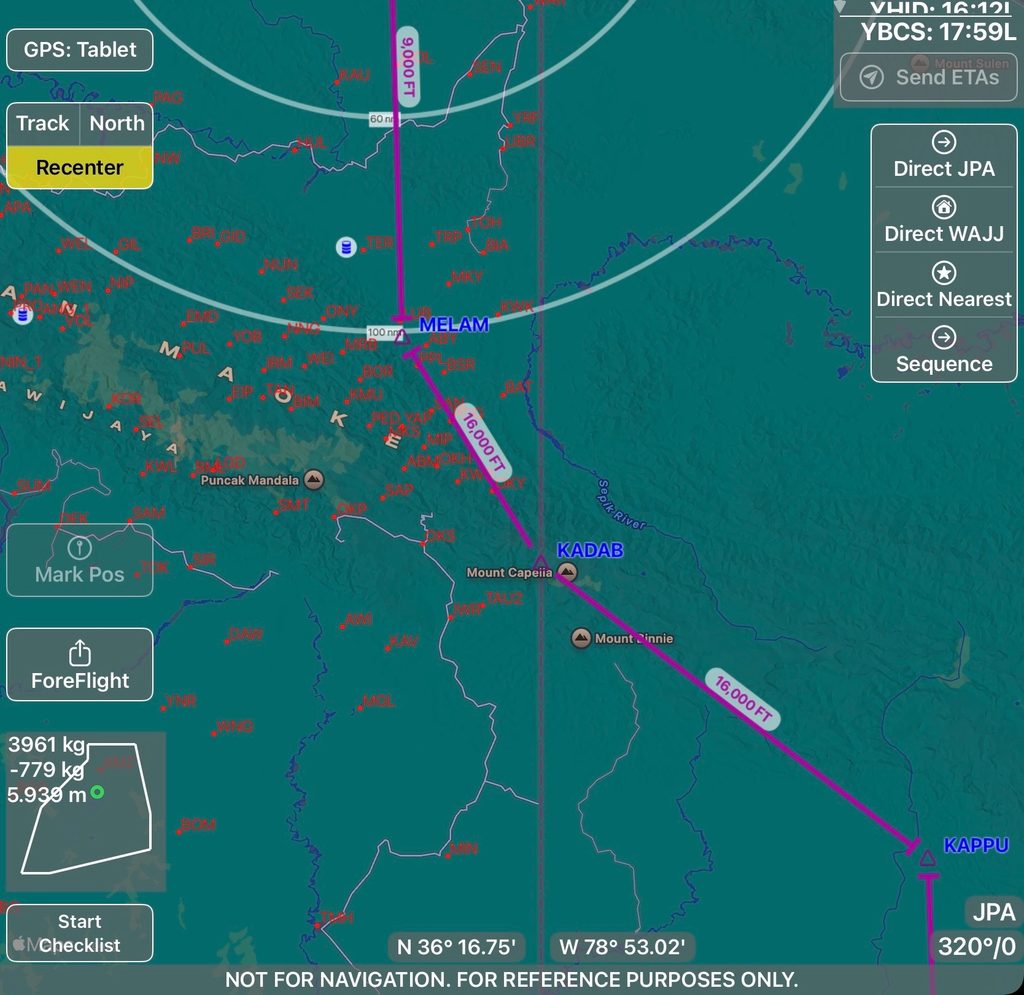
- Waypoint markers are now included at en route waypoints, and route segments with LSALTs/MEAs defined now show a terminating bar if there is an LSALT/MEA change at the waypoint.
- If additional flight time is added to a leg in FlightSpan Ops, that flight time is now passed to the EFB.
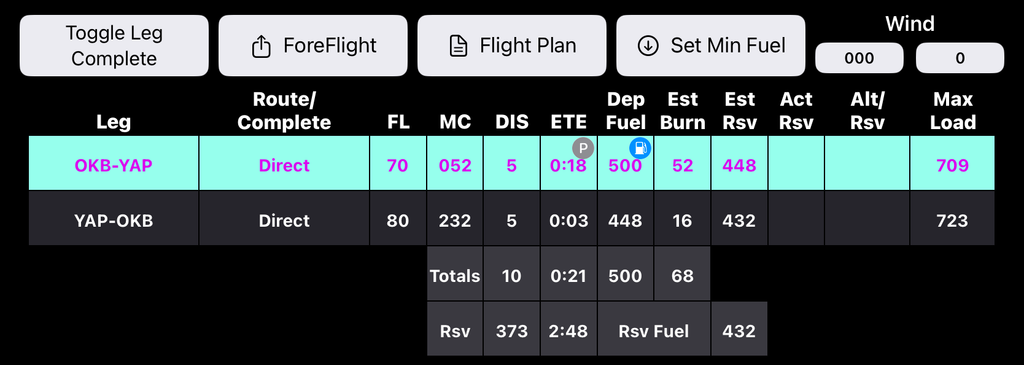
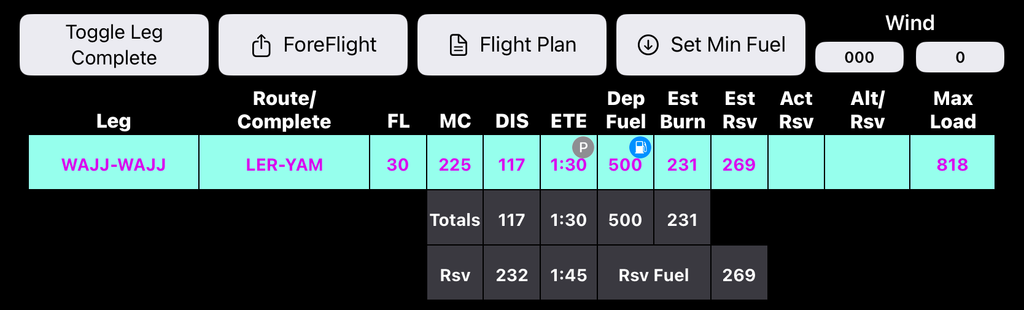
- When flying from point A to en route waypoints and back to point A, checklists now cycle the same as on an A-B flight. Flight time and fuel can still be adjusted in the same way as A-A flights.
- Takeoff and landing power targets on the performance tabs now show a decimal when using PSI or Percent.
Bug Fixes
- If there was already fuel at a location, but none of the Avgas fuel type, the Avgas fuel type button was missing on the Audit tab.
- Transaction error when initiating Drop Fuel from the Nav Tab
- Flight Plan Nav Log last leg of a route segment copied numbers from the route summary line
- On the Weight and Balance tab, “Copy Config/Load To” added 1 pound to pax weights
- When v2Tracker was turned off in settings, it did not automatically switch to tablet GPS
- Max Load on the Nav tab did not update when the runway was changed on the Takeoff and Landing Performance pages
- Runway Length was cut off on the Landing Performance page when Max Runway was set to 100%
- PDF Documents moved back to the front page of the PDF on their own
- Added code to prevent simultaneous upload of DFRs
- On rare occasions a DFR could upload with empty waypoint IDs
- Airdrop failures due to iOS bug with Windowed Apps enabled