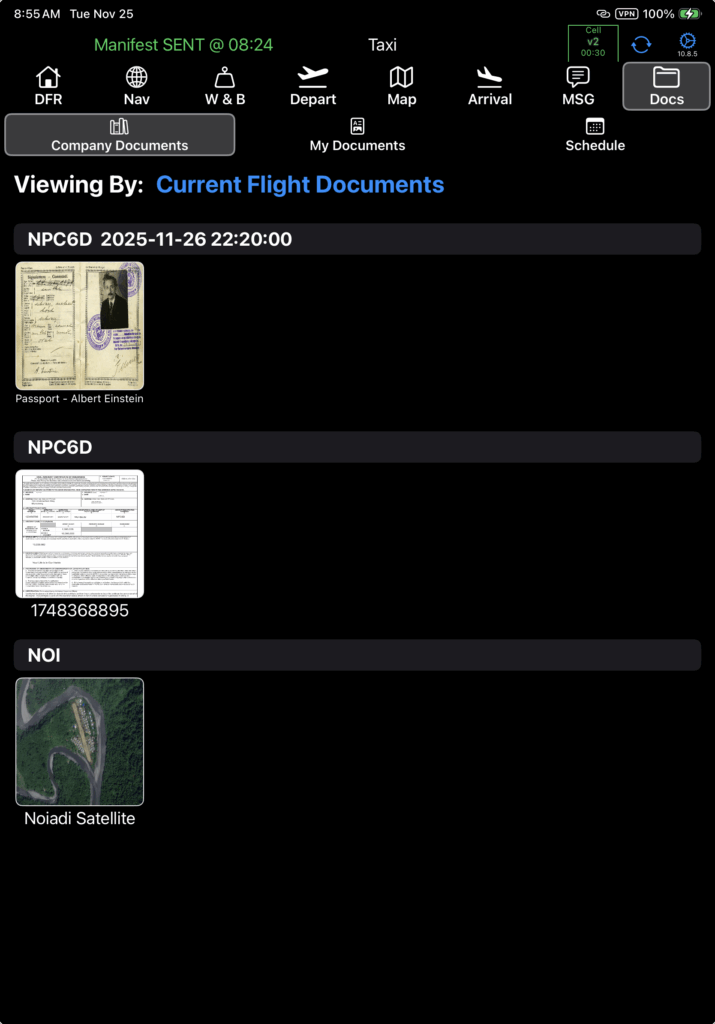
Under the Docs tab, there are three sub tabs: Company Documents, My Documents, and Schedule. In this document, we will cover the Company Documents and Schedule tabs.
Company Documents
Company documents are documents that are attached to a company asset, such as an aircraft, flight schedule, crew member currency event, or waypoint. These documents are available in both FlightSpan™ Ops and on the EFB.
When you open the Docs tab, the Company Documents tab will be open with Current Flight Documents selected. Current Flight Documents are all documents that pertain to the flight:
- Any document attached to the schedule for this particular flight (such as passenger documents)
- Any document attached to the aircraft you are flying
- Any document attached to any of the waypoints that are part of the flight
Company documents cannot be edited or deleted on the EFB, however they can be fully managed in FlightSpan Ops.
See the Document Management documentation for details.
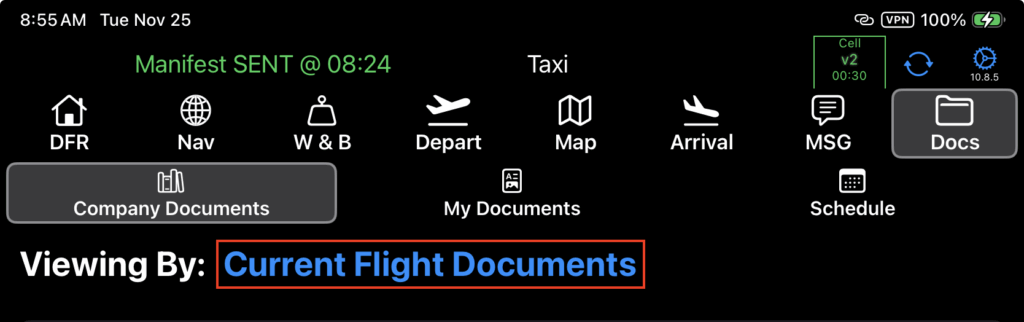
Tap the Viewing By link to open other display options.
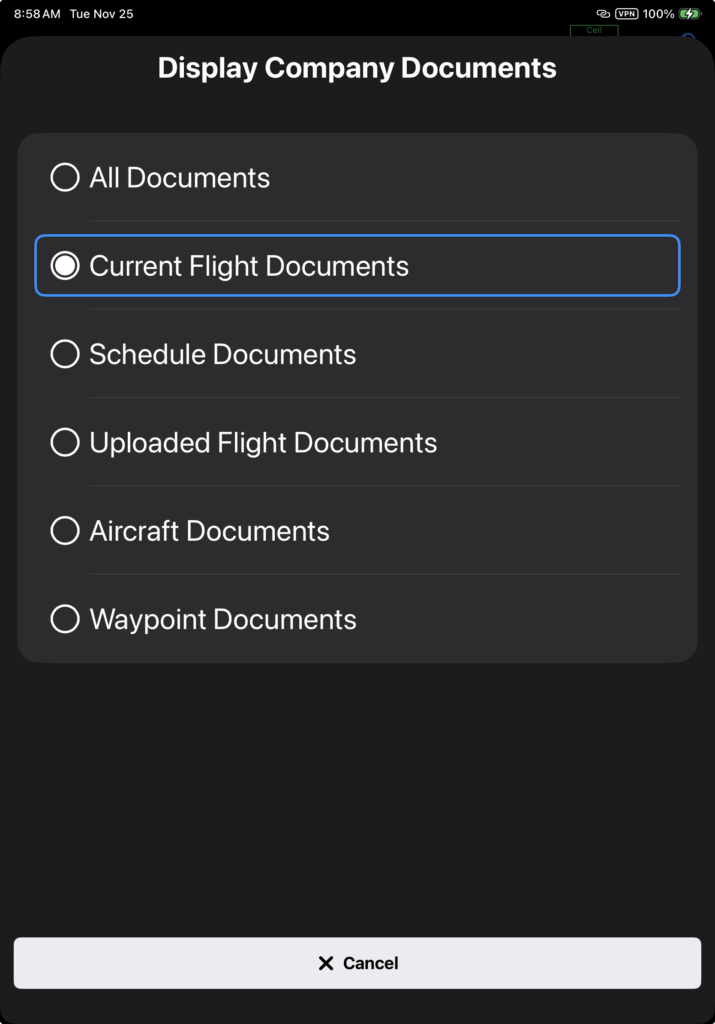
Select from the list to filter the view by document category.
With the exception of Current Flight Documents, all the filter selections will display any document that has been downloaded to this iPad at any time in the past.
Schedule
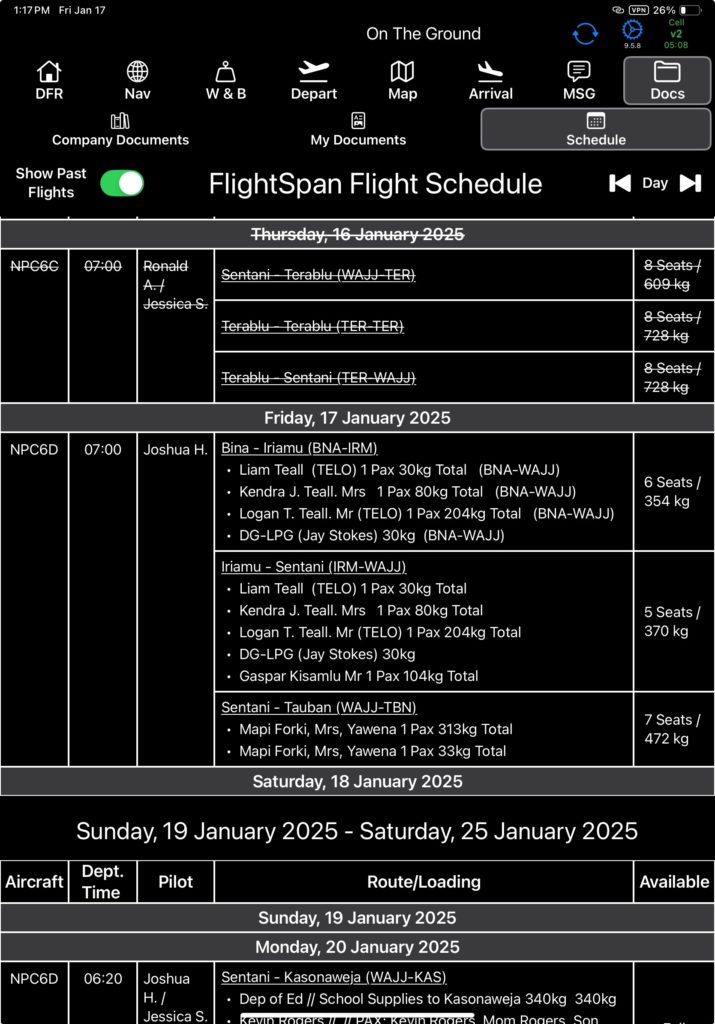
The Schedule tab displays the two week schedule, with the Show Past Flights button switch disabled by default.
Switch the button on to view past flights with a strikethrough.
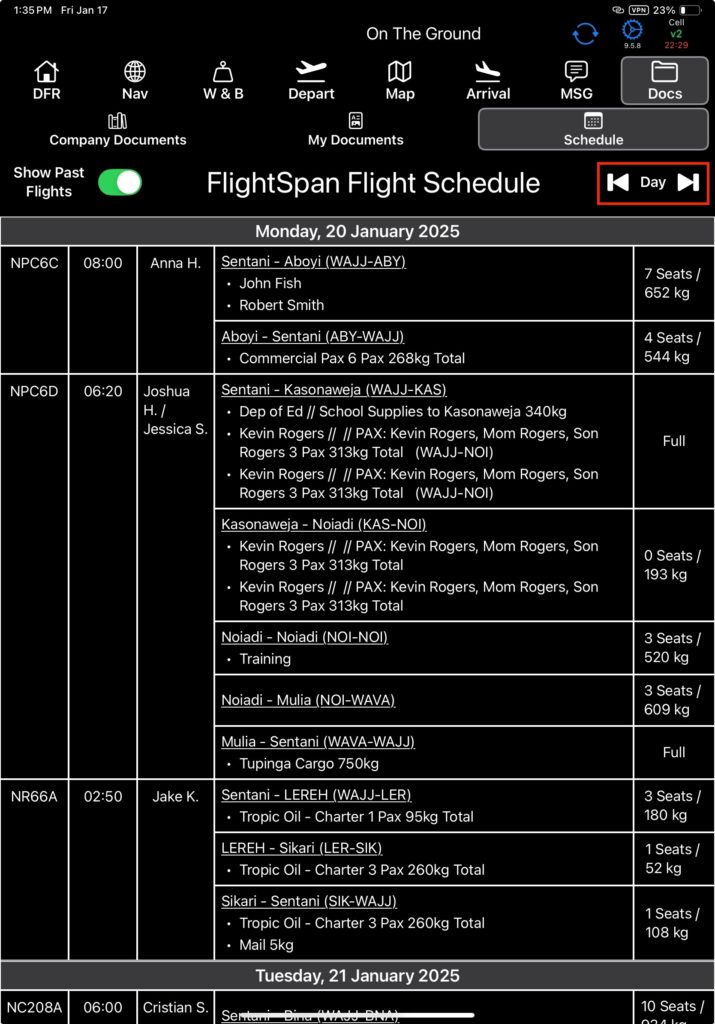
Tap the previous day and next day icons to jump one day back or ahead.
Video Version