The gross weight from the W&B tab is pre-filled. You can experiment with different weights by tapping on the weight. Weight will turn orange to indicate it doesn’t match the calculated weight from the W&B tab.
Reset to the calculated weight by opening any other tab and returning to the takeoff performance tab.
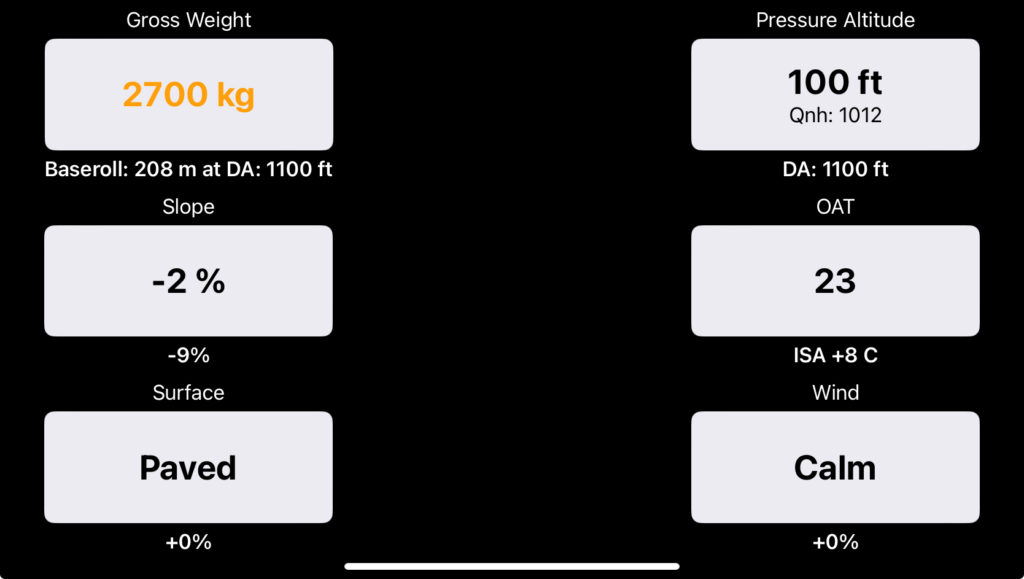
Note: The Baseroll (performance for that weight at the current density altitude) is underneath the gross weight button. The percentage of change due to slope, surface conditions, and wind are displayed under their respective buttons.
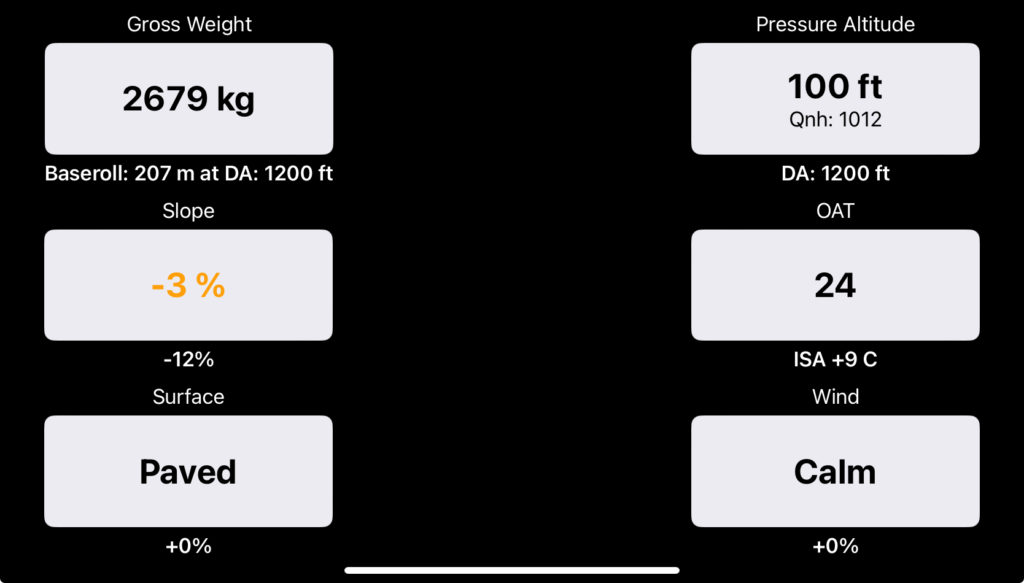
Runway slope is prefilled, but can also be changed if desired. It turns orange to indicate it does not match the slope for the runway that your FlightSpan™ Ops data has. You can reset to the correct slope manually or by tapping any other tab and coming back.
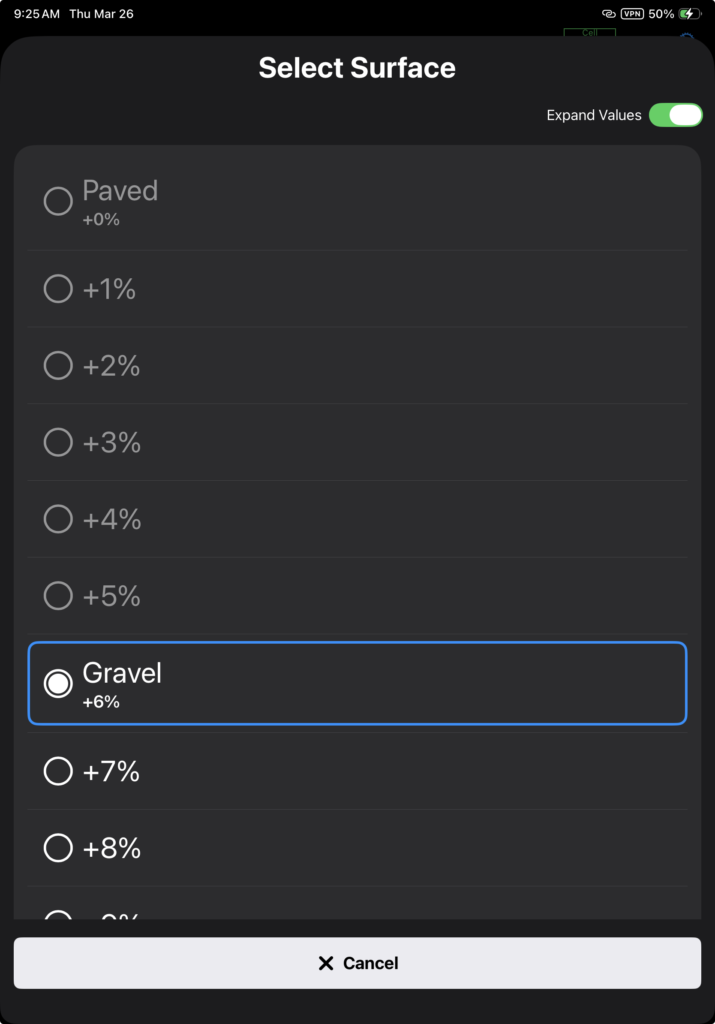
The default surface type for each runway is set in FlightSpan Ops. The runway surface should be changed to reflect current conditions.
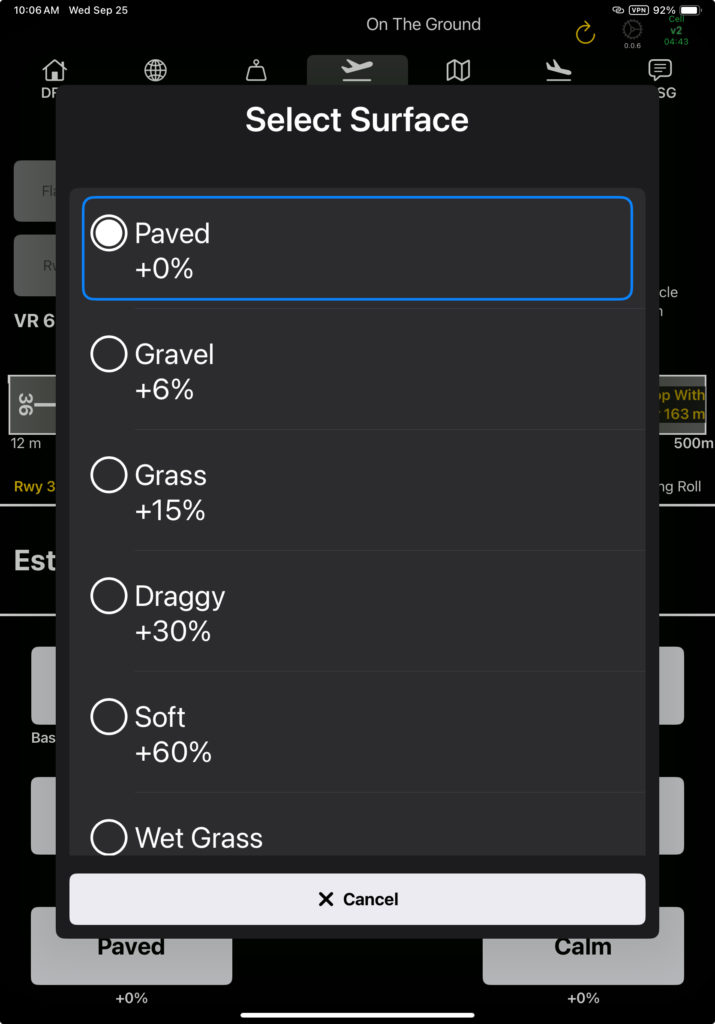
Toggle the Expand Values switch to open up custom surface modifiers.
Modifiers are in 1% increments up to 15%, in 5% increments up to 100%, and in 10% increments up to 200%.
- You can always select a modifier greater than the default surface set in FlightSpan Ops.
- You cannot select a surface modifier less than the default surface unless the default modifier is greater than 15%.
- If the default surface is greater than a 15% modifier, you can select a modifier no lower than 15%.
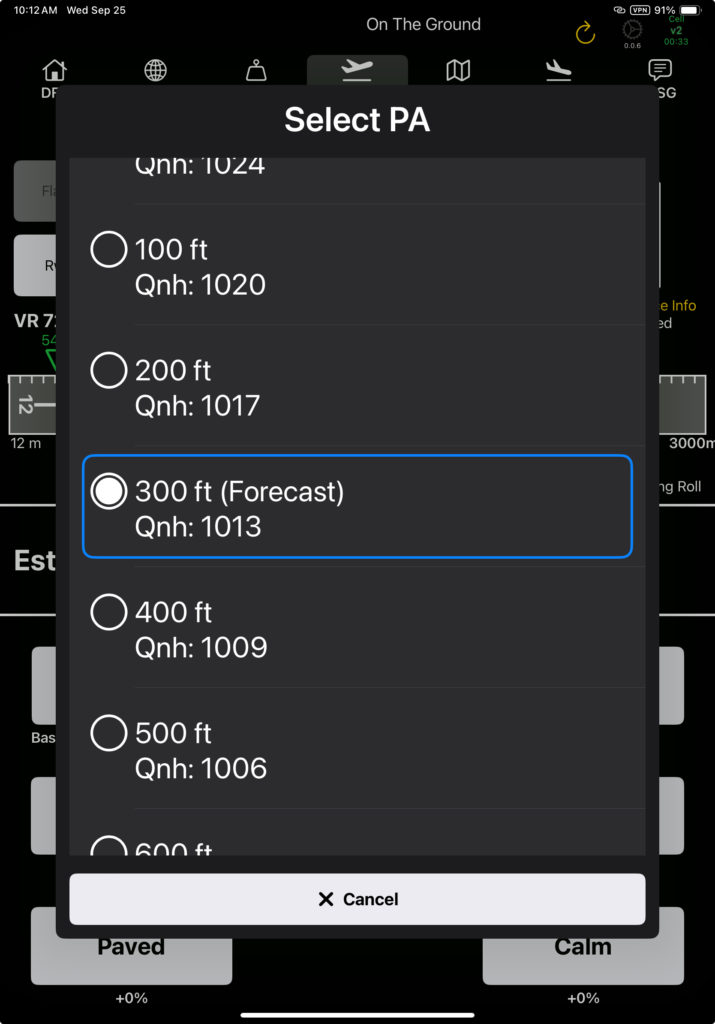
Pressure altitude and temperature are prefilled.
- FlightSpan obtains the current pressure and temperature for all locations in your route from Openweathermap.org, as well as the next 24 hours worth of hourly forecast for temperature and pressure for those locations. Openweathermap’s numerical prediction model also provides forecasted data for any location even if the location doesn’t have a weather reporting station. If you aren’t connected to the internet and FlightSpan can’t find valid data stored on the iPad for a location close to you, FlightSpan will revert to a formula that will pre-fill a conservative DA.
- Temperature and pressure altitude should be adjusted to reflect actual conditions when you arrive.
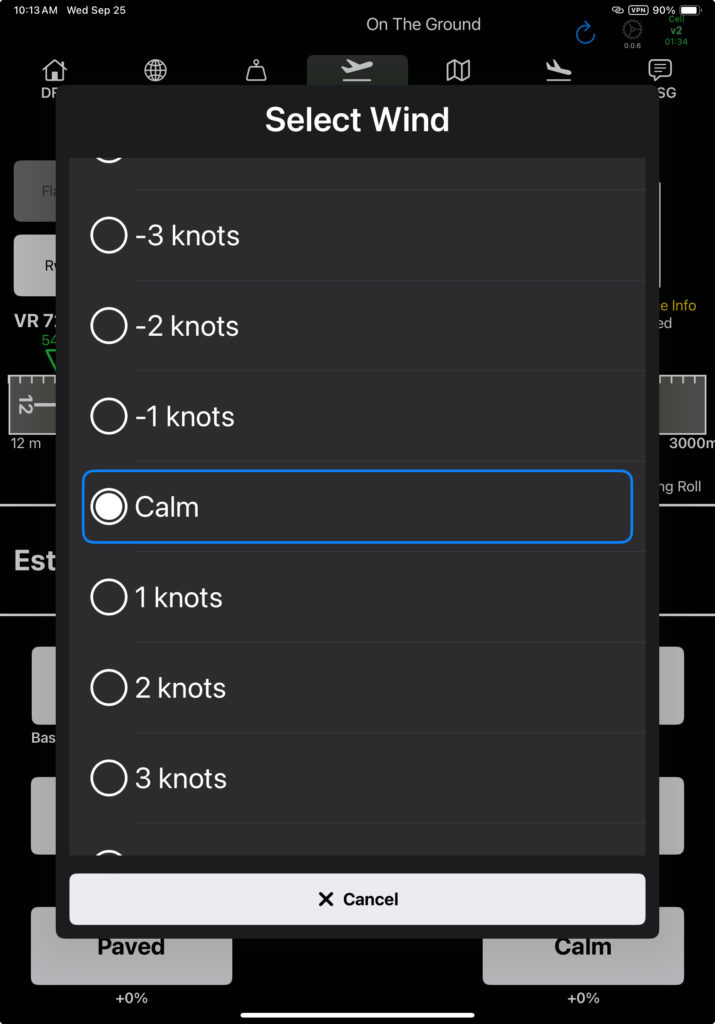
Wind will always default to Calm. Change it to reflect actual conditions when you arrive. Negative numbers indicate a tailwind.
Video Version