
FlightSpan 10.12.0 includes a number of enhancements and bug fixes.
Enhancements
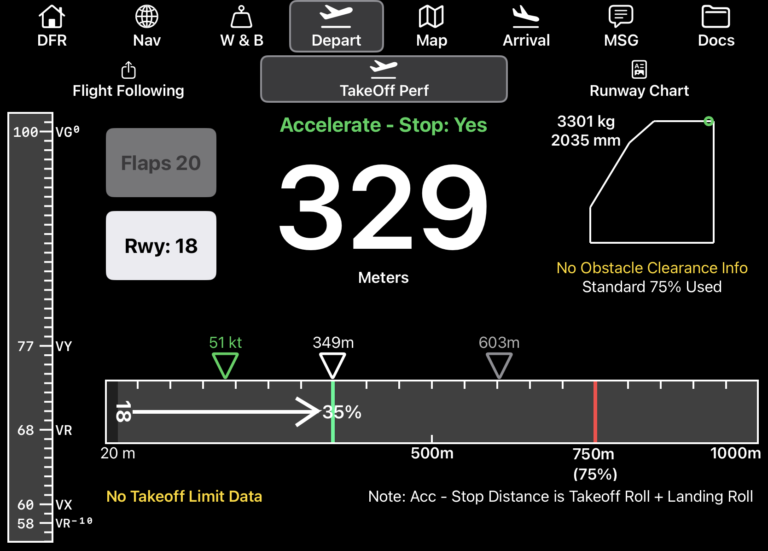
- The V Speeds on the Takeoff and Landing Performance tabs have been enhanced with an airspeed tape display
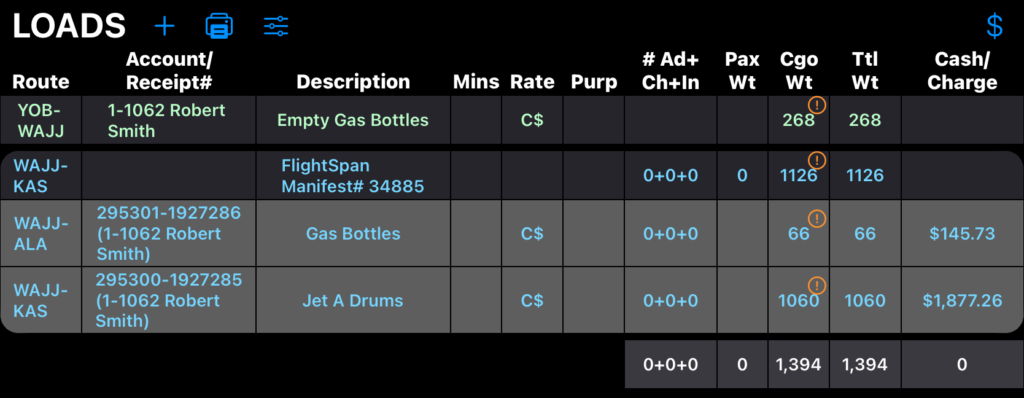
- A Dangerous Goods (DG) warning is now displayed in the Cargo Weight column on non-manifest and manifest loads
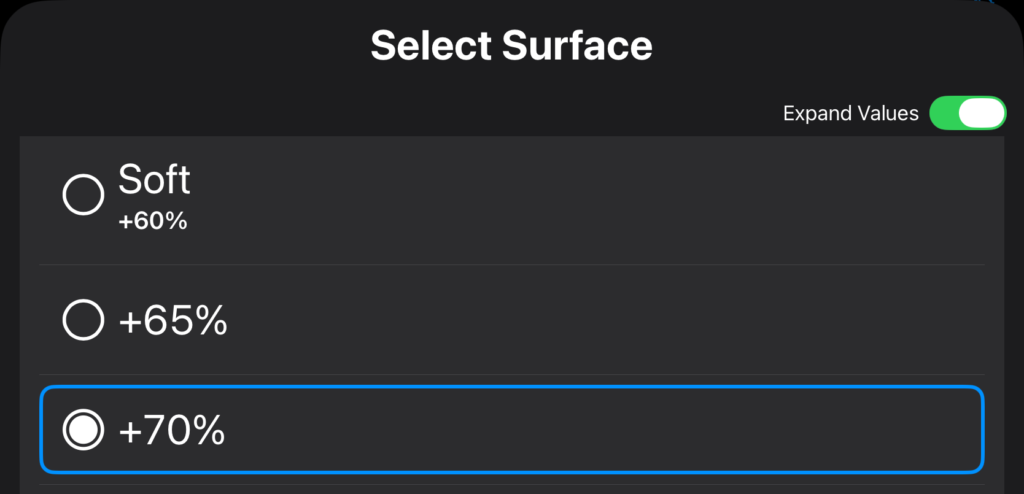
- Runway surface modifiers can now be set to a custom percentage
- The v2 flight following account can now be given a custom name from Company EFB Preferences

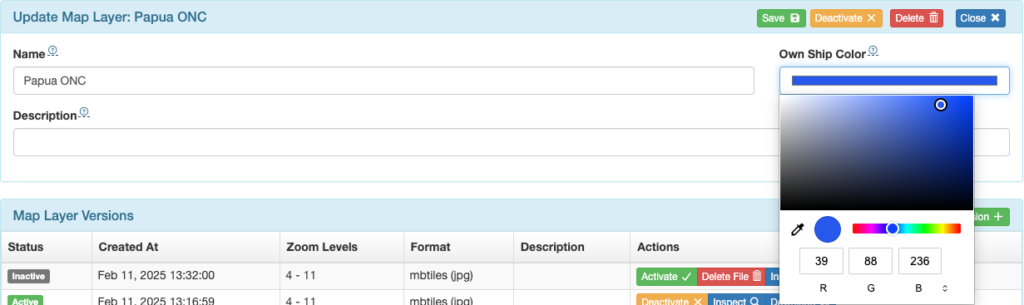
- To ensure good contrast between map layers and EFB Own Ship icons, different EFB Own Ship colors for different map layers can now be set. See the documentation for details.
- When selecting an alternate, the space bar will now also enter the selection
- The fuel unit translation feature has been added to the fuel use/drop calculator
- “No Slope Data” is now displayed on takeoff and landing performance instead of 0% if no slope data is available
- Rate Calculator has been renamed Fare Calculator
- Nearest Runway lists now include Inactive or Closed notifications
- Tailwinds and Headwinds ranges can now be set to extend maximum values
- Departure and Arrival fuel have been added to the DFR upload (only visible in the database)
- The aft cargo space was relabeled “Hat” on the C172-180PY40 and the C172N-180PY
Bug Fixes
- Flight sometimes not visible on Today+Future
- v2 icon cut off when using Manual FlightWatch
- Remaining calculation didn’t account for landing weight
- Formatting issue on Long Ranger printed Weight and Balance
- App sometimes closed when printing/sharing records
- Formatting issues on the Weight and Balance envelopes
- The load calculator was defaulting to the base financial currency instead of the current loads currency
- iPad OS26 Map Tab landscape view formatting issue
- Defaulting to the incorrect runway
- Printed external load max weight was incorrect
- Documents with the same name were not linking to flights correctly
New Aircraft Types
- C172-180SIM (simulator)